




Description
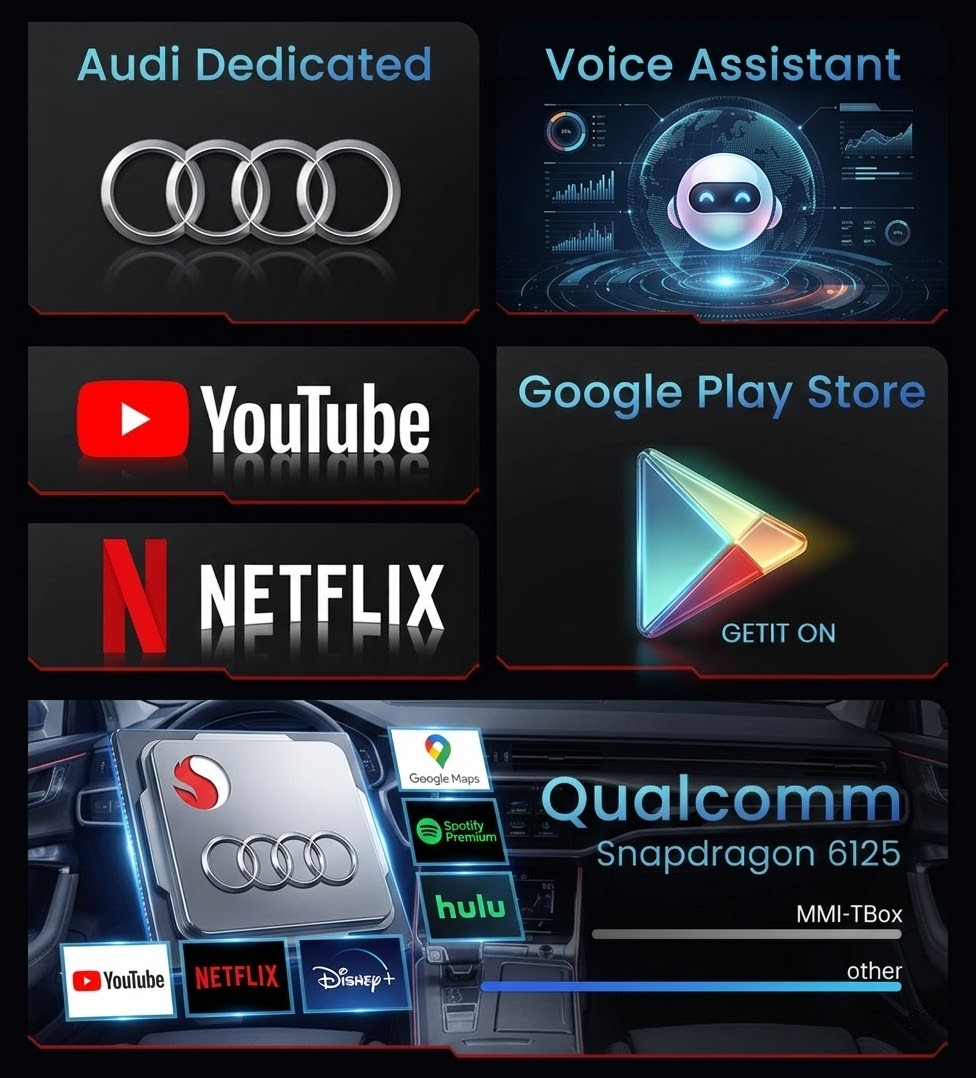


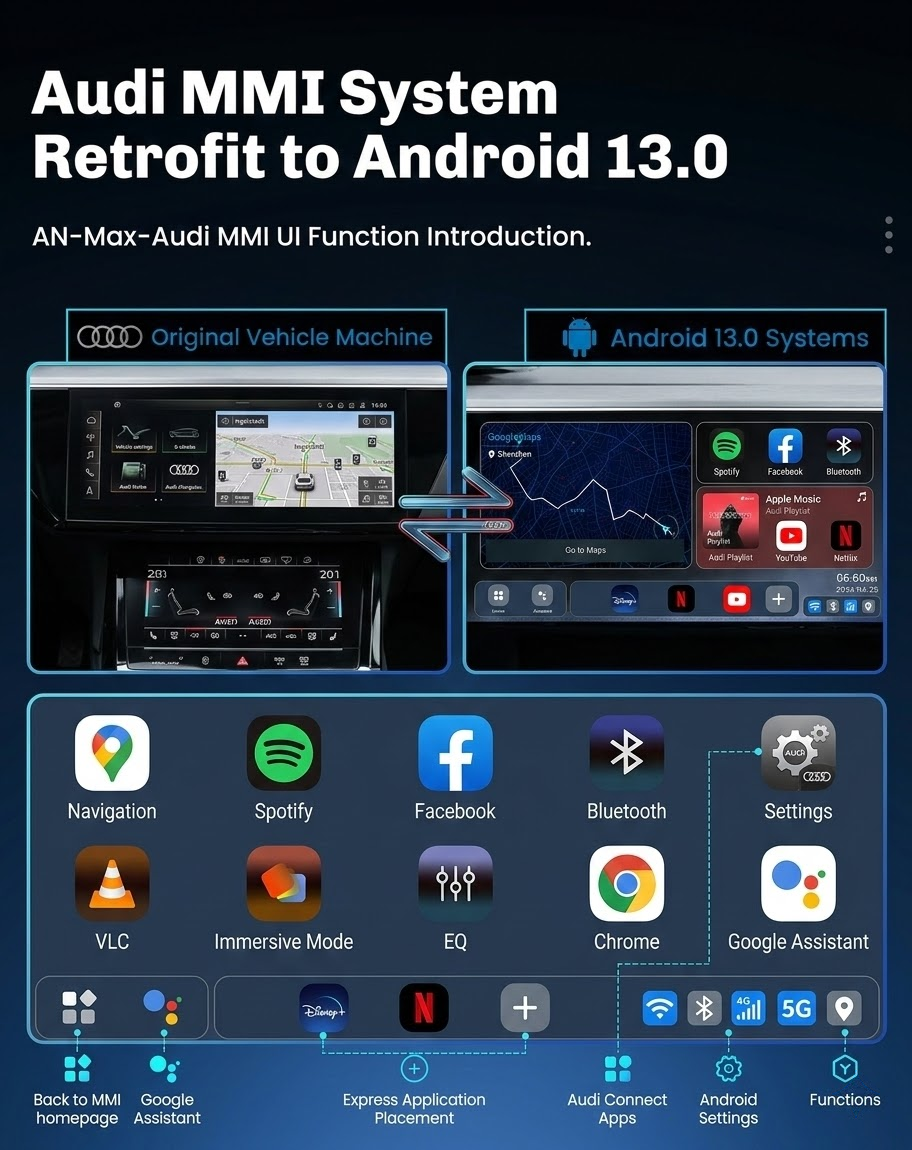
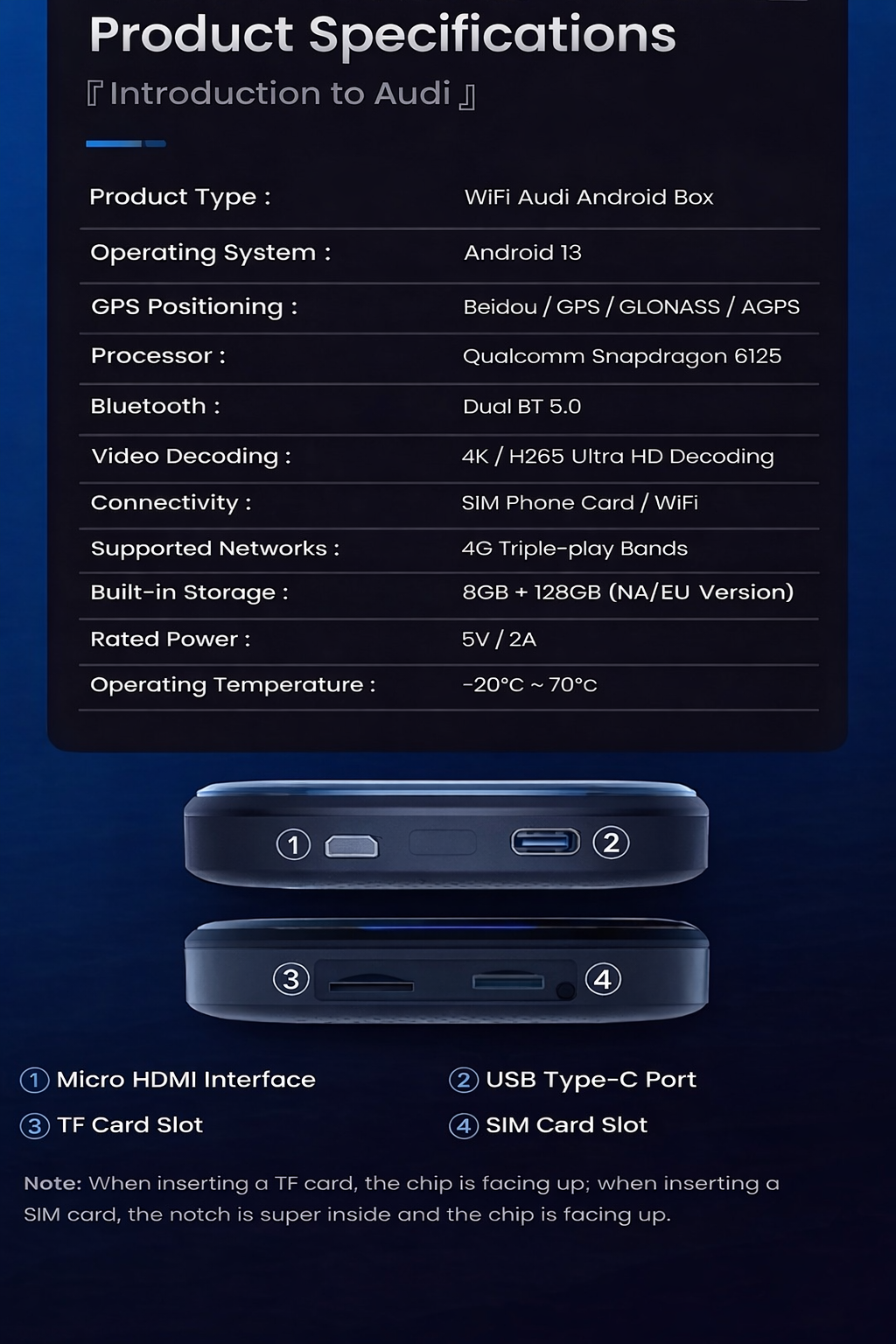
Key Features and Benefits:
• 📱 Seamless Wireless Integration
◦ Easy Connection: After starting the vehicle, your iPhone (CarPlay) or Android phone (Android Auto) will automatically connect wirelessly. Say goodbye to messy cables.
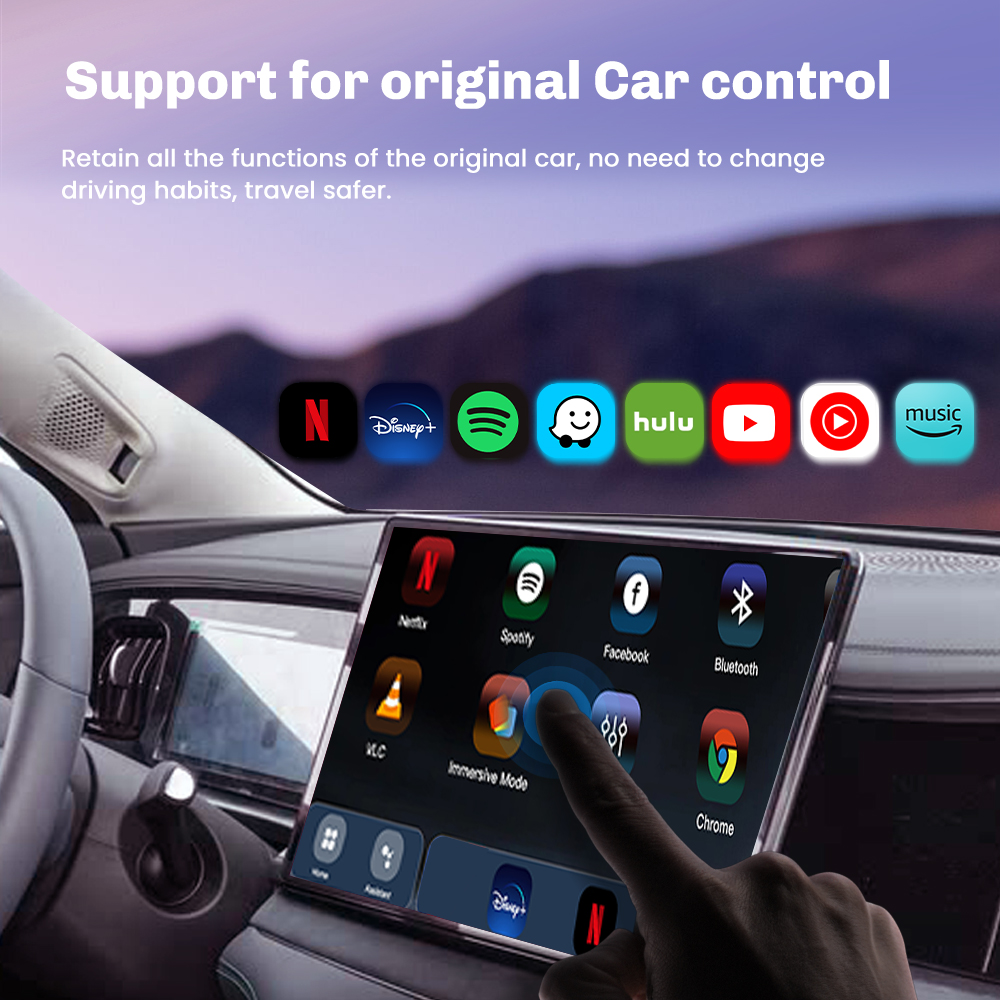
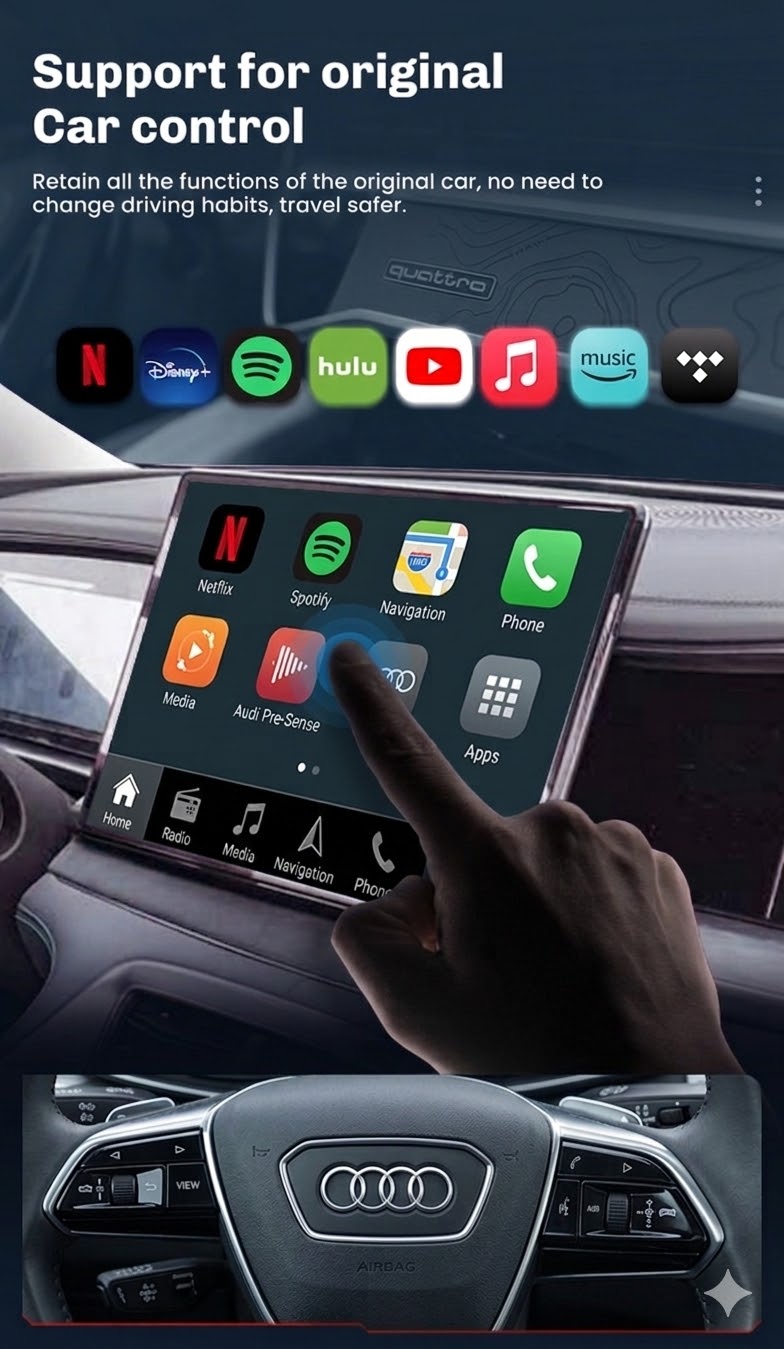
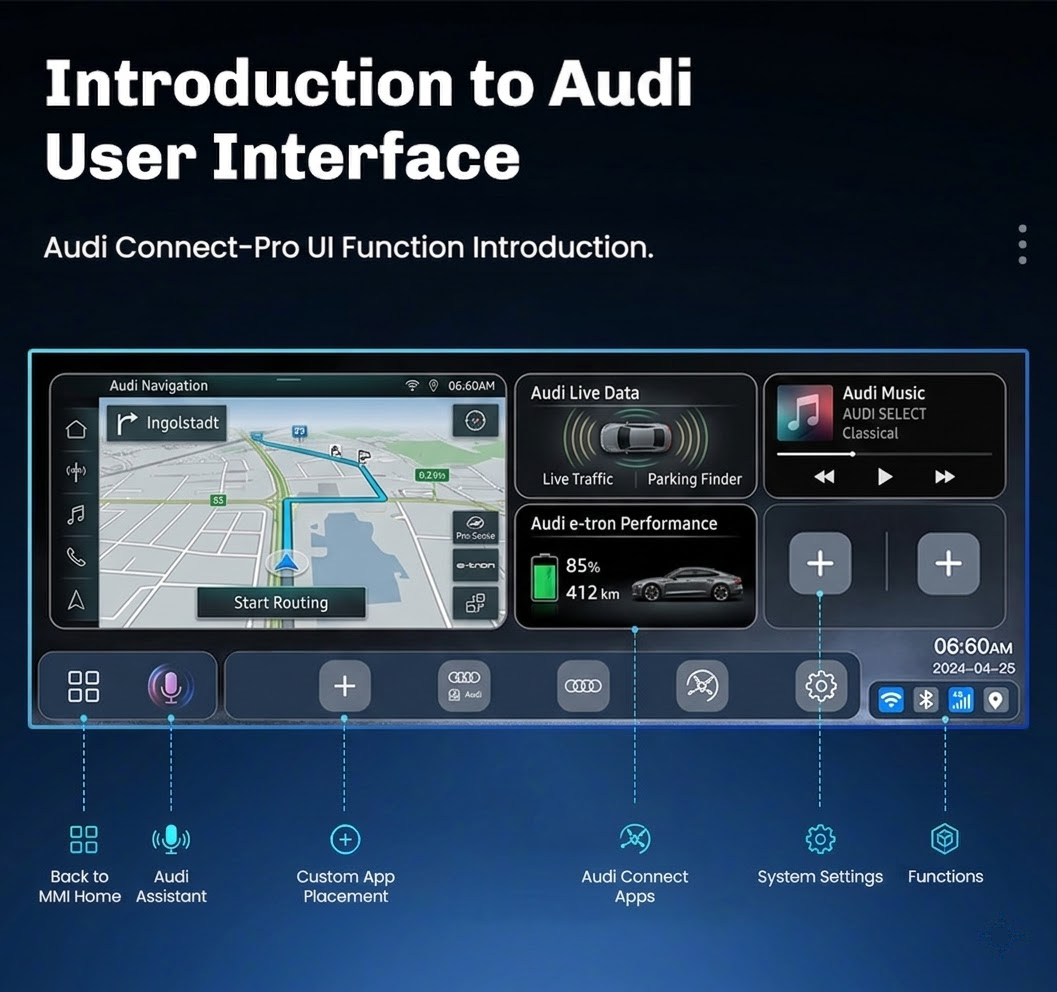
◦ Retain Original Vehicle System: This system runs in parallel with Audi’s native MMI operating system. You can switch back to the original vehicle system at any time via touch or MMI controls.
• 🌐 Independent 4G Smart Device
◦ True Independence: Insert a SIM card (or use built-in Wi-Fi) to access the internet. Stream music, watch videos, and use navigation apps directly from the device, freeing up your phone’s data and battery life.
◦ Google Play Store Access: Download your favorite apps, such as YouTube, Netflix, Disney+, Spotify, Waze, and thousands of games and tools.
• 🎮 Enhanced in-car entertainment system
◦ HD video playback: Supports up to 4K video output, delivering an immersive visual experience on the Audi high-resolution screen. Ideal for rest stops or passenger entertainment.
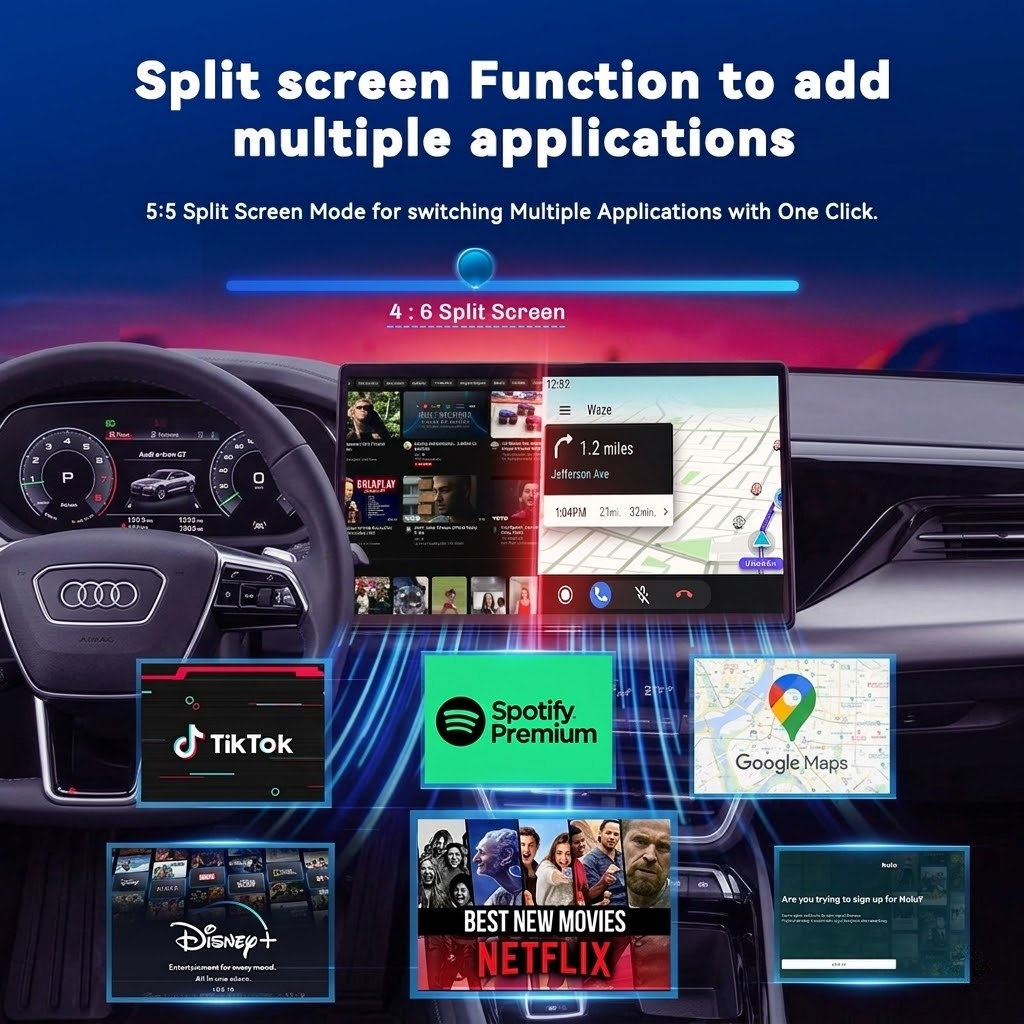
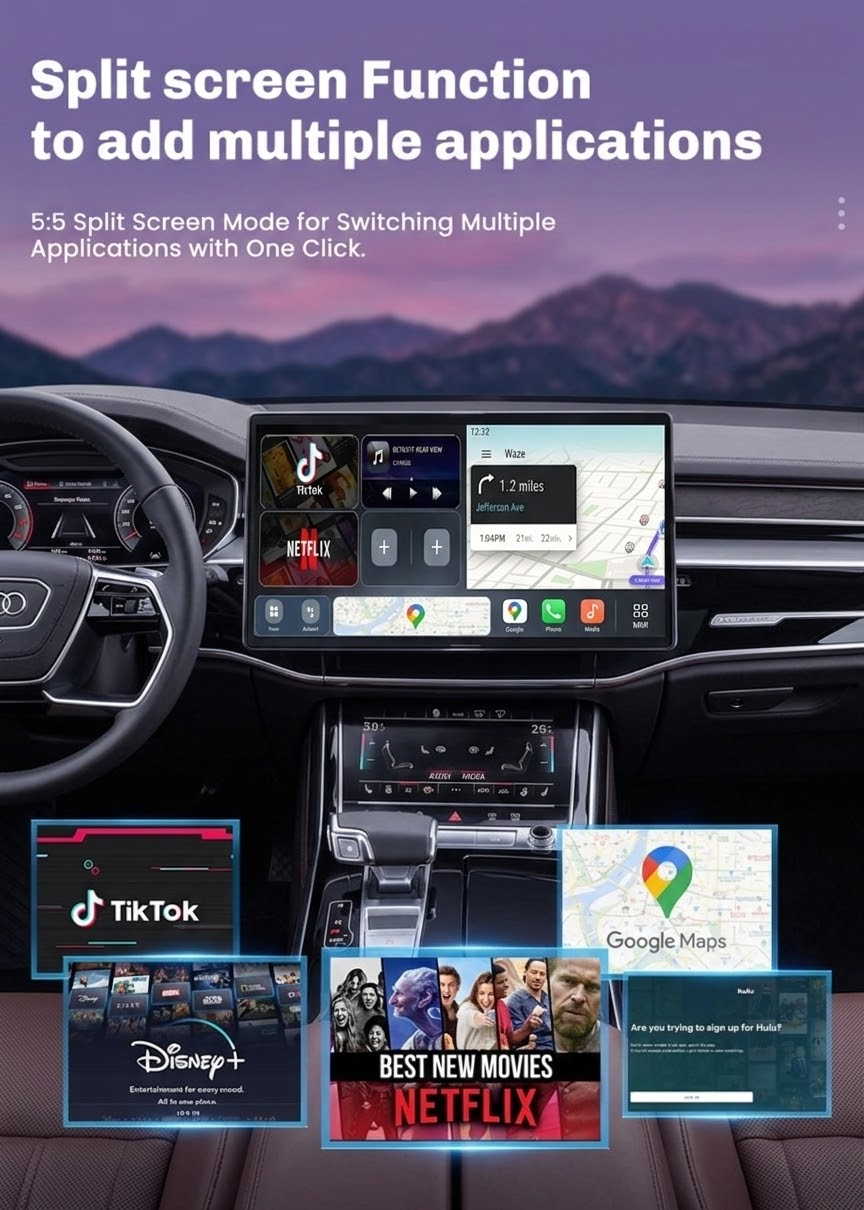
◦ Multitasking and gaming: Run multiple apps in the background. You can use Waze navigation while listening to Spotify music and receiving WhatsApp messages.
• 🗣️ AI Voice Assistant and Phone Control
◦ Dual Voice Control: Simultaneously use the built-in Google Assistant (or other AI) and the vehicle’s original voice buttons to execute different commands.
◦ Phone Mirroring (Miracast): Wirelessly mirror your phone screen, supporting apps not compatible with CarPlay/Android Auto.
• ⚙️ Plug-and-play installation
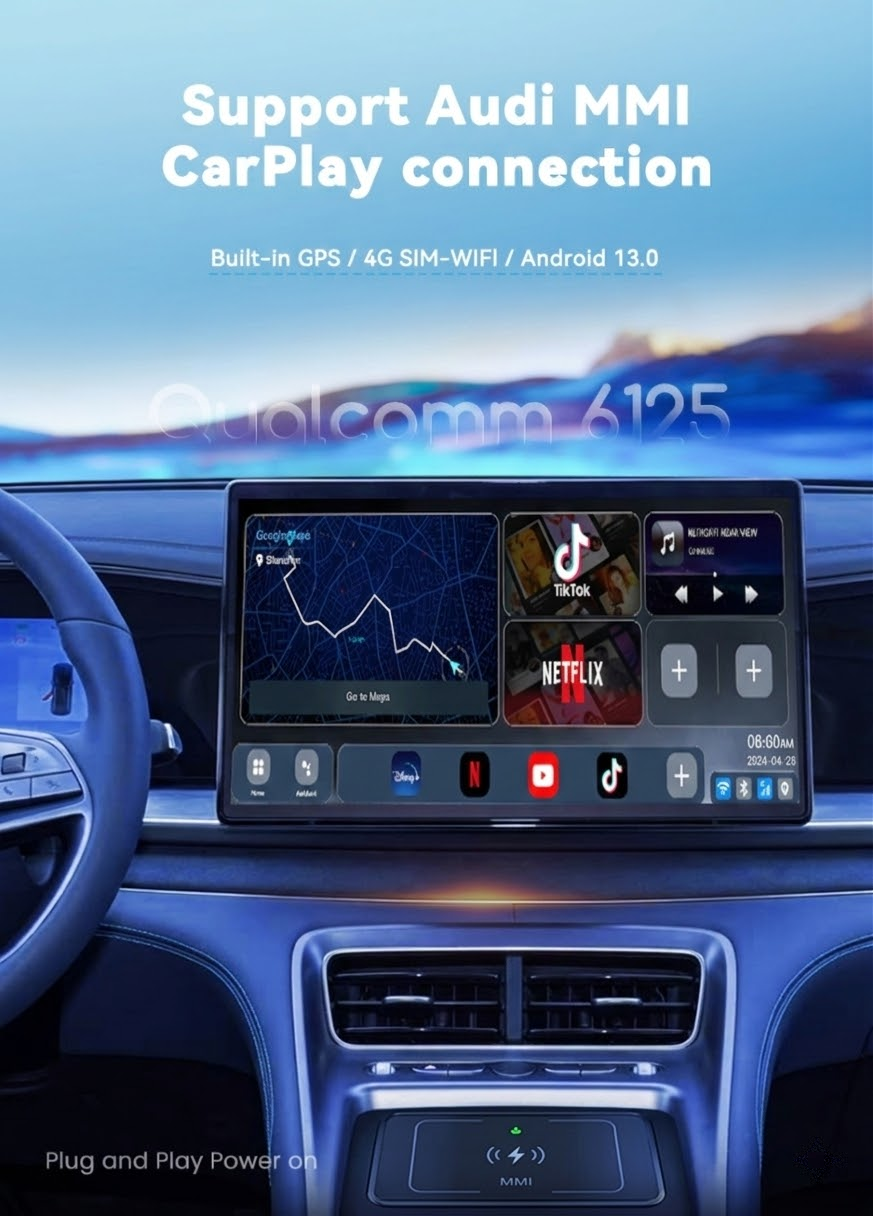
◦ Vehicle-specific design: Specifically designed for Audi to ensure perfect compatibility and seamless integration with the MMI system. No need to cut cables or perform permanent modifications.
Q: Hi, I want to install android auto feature for my Audi. Will this one work? My car has carplay but I’m not using an iPhone.
A: Yes, you can use this device as long as your Audi vehicle has factory carplay. This is because the device requires the carplay protocol to activate.
Q: Can I connect my android phone and tbox device at the same time?
A: You can use the tbox with Android and then use Bluetooth to connect to your cell phone to take a call or use your cell phone’s shared WiFi signal to access the Internet! You can also connect your cell phone to the tbox and use the wireless Android Auto function.
Q: How do I use the Android auto or carplay function after booting the device?
A: After the device is successfully booted, enter the software page and select Android auto or carplay software, then follow the prompts to connect the phone and wait for the function to start.
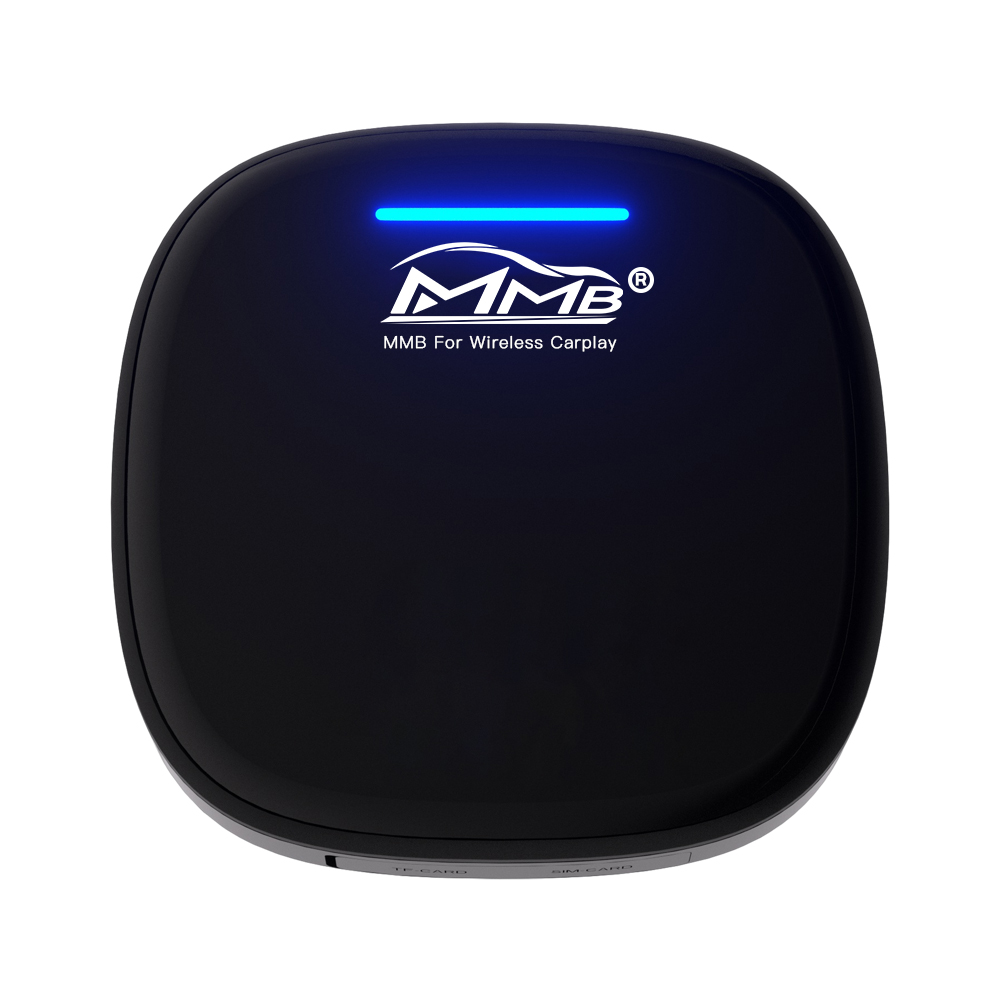
Q:What is the Audi AI Box Wireless Multimedia Carplay Adapter?
A: The Audi AI Box is a plug-and-play device that upgrades your Audi’s factory CarPlay to a more advanced system, allowing for additional features such as app downloads from the Google Play Store, streaming services like YouTube, Netflix, Hulu, and internet access via a 4G SIM card.
Q: Which Audi models are compatible with the Audi AI Box?
A:The Audi AI Box is designed to work with Audi models that come with factory CarPlay (wired or wireless). Please consult the product description or your vehicle’s manual to check for compatibility.
Q: Can I use the Audi AI Box with my iPhone or Android phone?
A: Yes, the Audi AI Box is compatible with both Android and iPhone devices, as long as your Audi supports factory CarPlay.
Q: How do I install the Audi AI Box in my car?
A:Simply connect it to the vehicle’s existing USB/USB-C port, then click on the vehicle’s CarPlay icon, and wait for the TBox to boot up. Ensure you clear previous wireless connection records from your phone for a clean setup.
Q: Do I need a separate internet connection for the Audi AI Box?
A:The Audi AI Box supports internet access through a 4G SIM card or Wi-Fi hotspot connection.
Q: Can I download apps directly onto the Audi AI Box?
A: Yes, you can download apps directly from the Google Play Store onto the Audi AI Box thanks to its Android system.
Q: What kind of storage does the Audi AI Box have?
A:The Audi AI Box comes with 128GB of internal storage. It also supports an external TF card for additional storage up to 256GB.
Q: Does the Audi AI Box support navigation apps?
A: Yes, the Audi AI Box supports navigation apps and comes with built-in GPS/positioning systems. It also features a smart split-screen function.
Q: How is the Audi AI Box controlled?
A: You can control the Audi AI Box using your vehicle’s OEM touch function, MMI controller, or steering wheel buttons.
Q: Is the Audi AI Box certified?
A: Yes, the Audi AI Box has undergone certification and testing and holds CE, FCC, and RoHS certifications.
Q: Why can’t I download the software?
1: Please confirm if you have internet access via SIM or Wi-Fi. 2: Check if there is sufficient storage capacity. 3: Try downloading via a different network. 4: You can also use apkpure to install apps if the Google Store has issues.
Q: The Downloaded Software No Longer Exists After Restarting
A:If the system automatically disables the software, you can turn off the disable option in the device’s engineering mode to resume normal use.