-商标.1-scaled-1-600x600.jpg)

Description
Your Audi screen can do a lot more than you think.
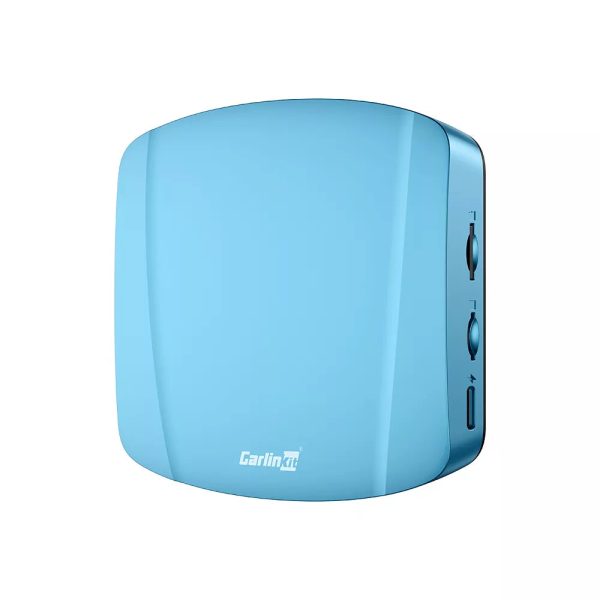
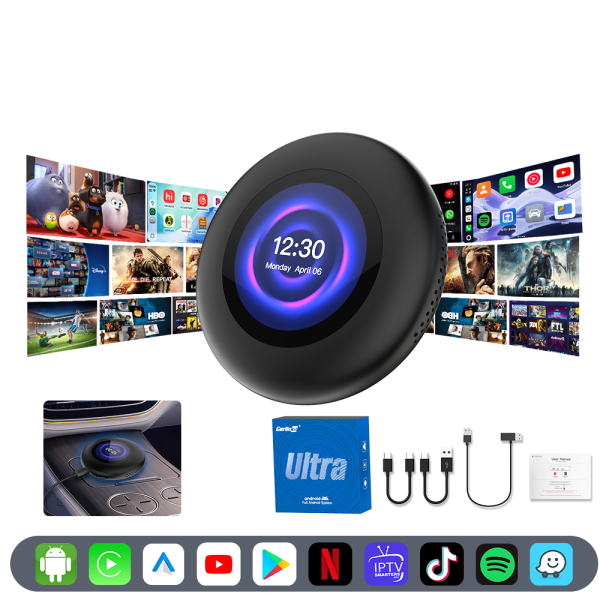
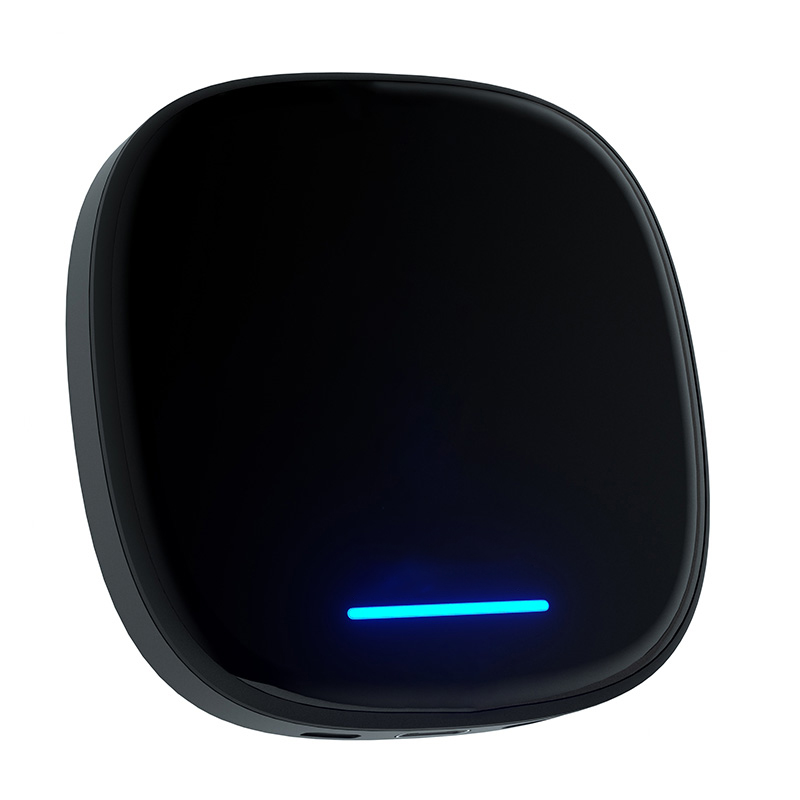
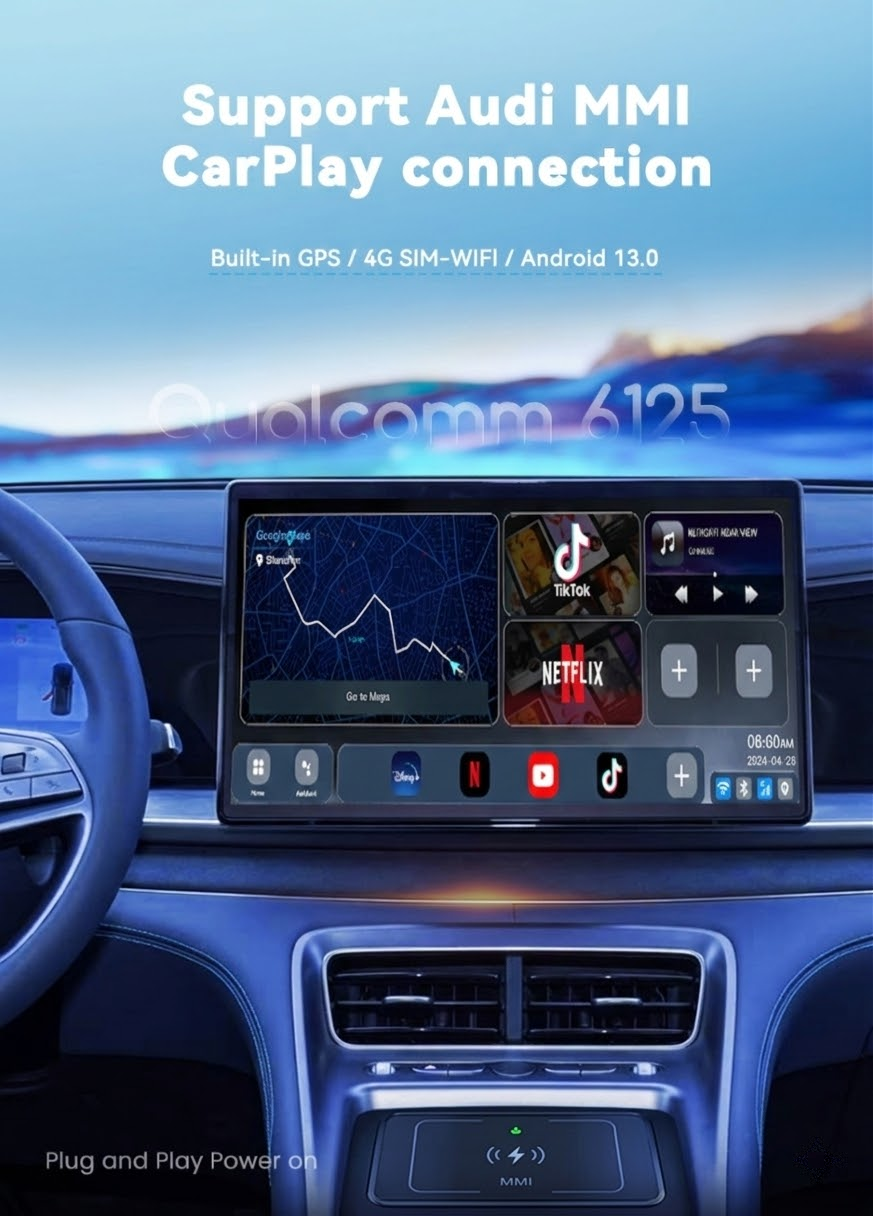
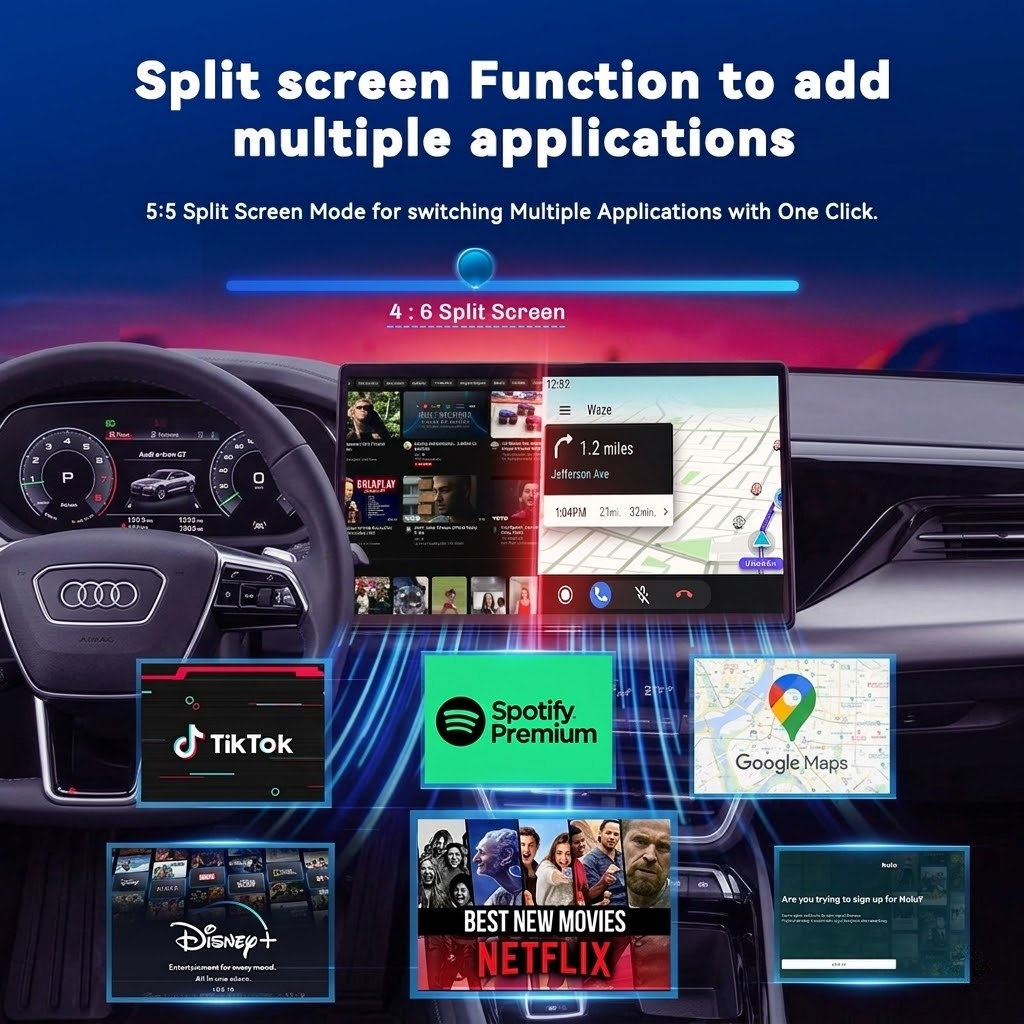
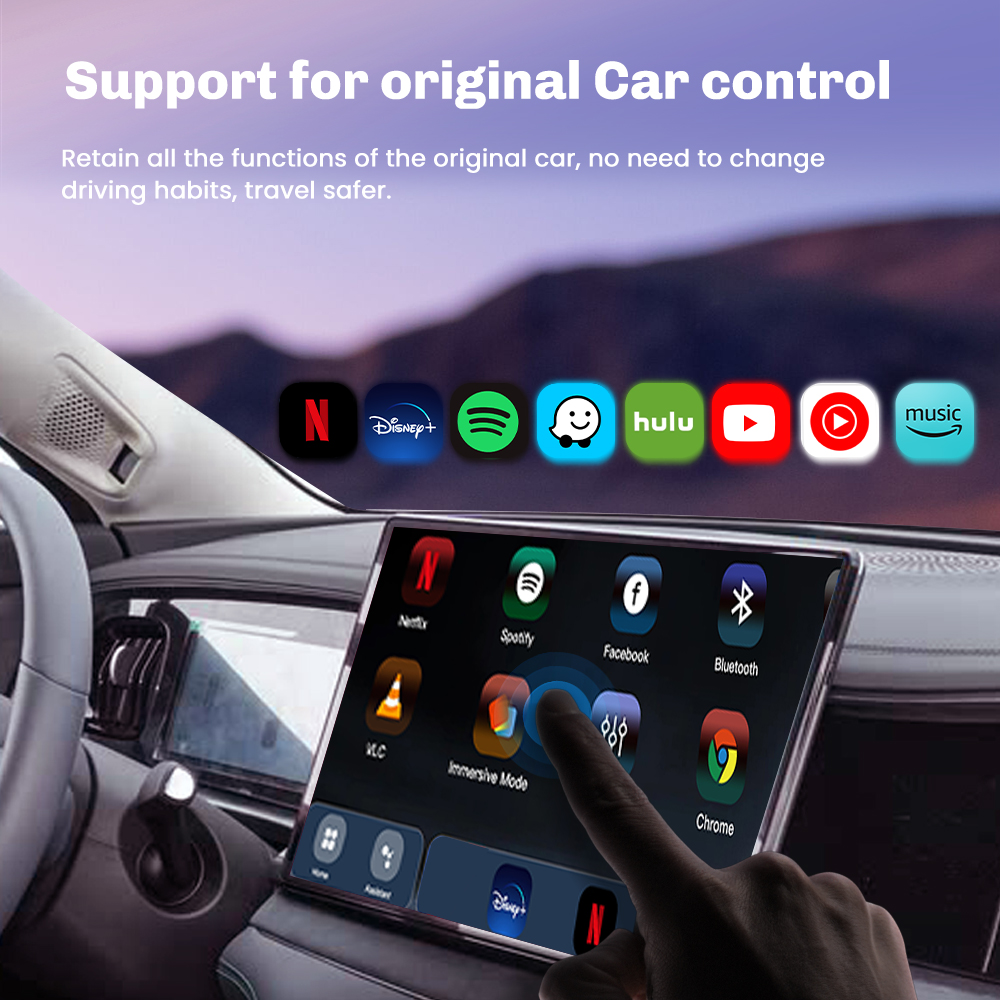
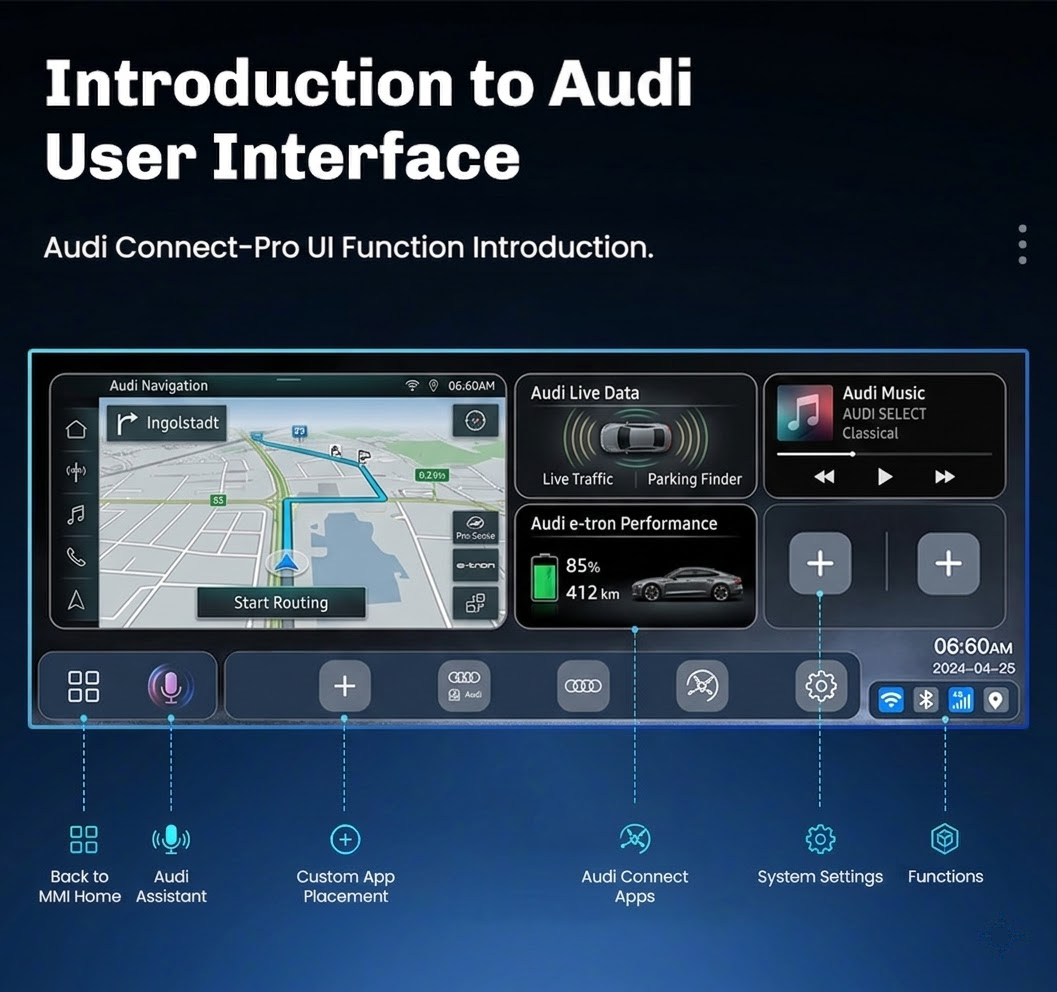
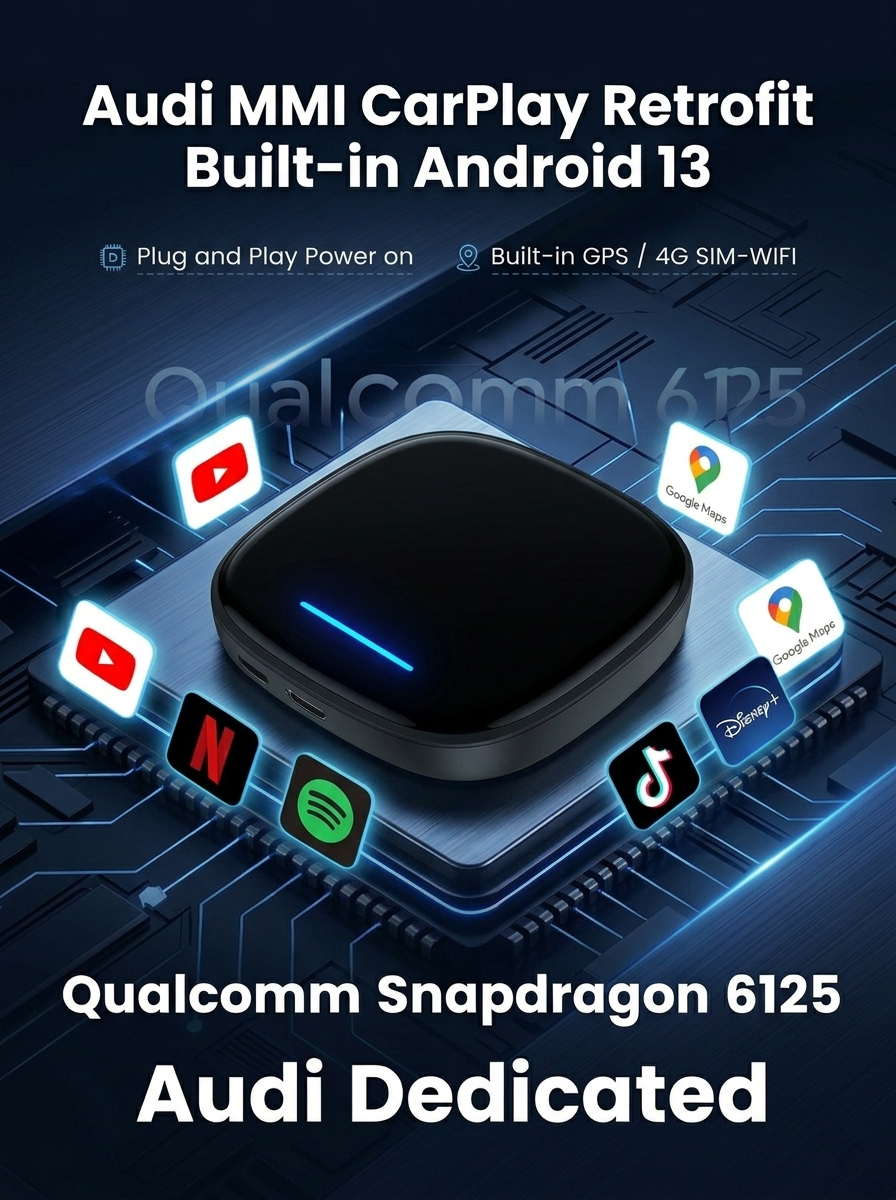
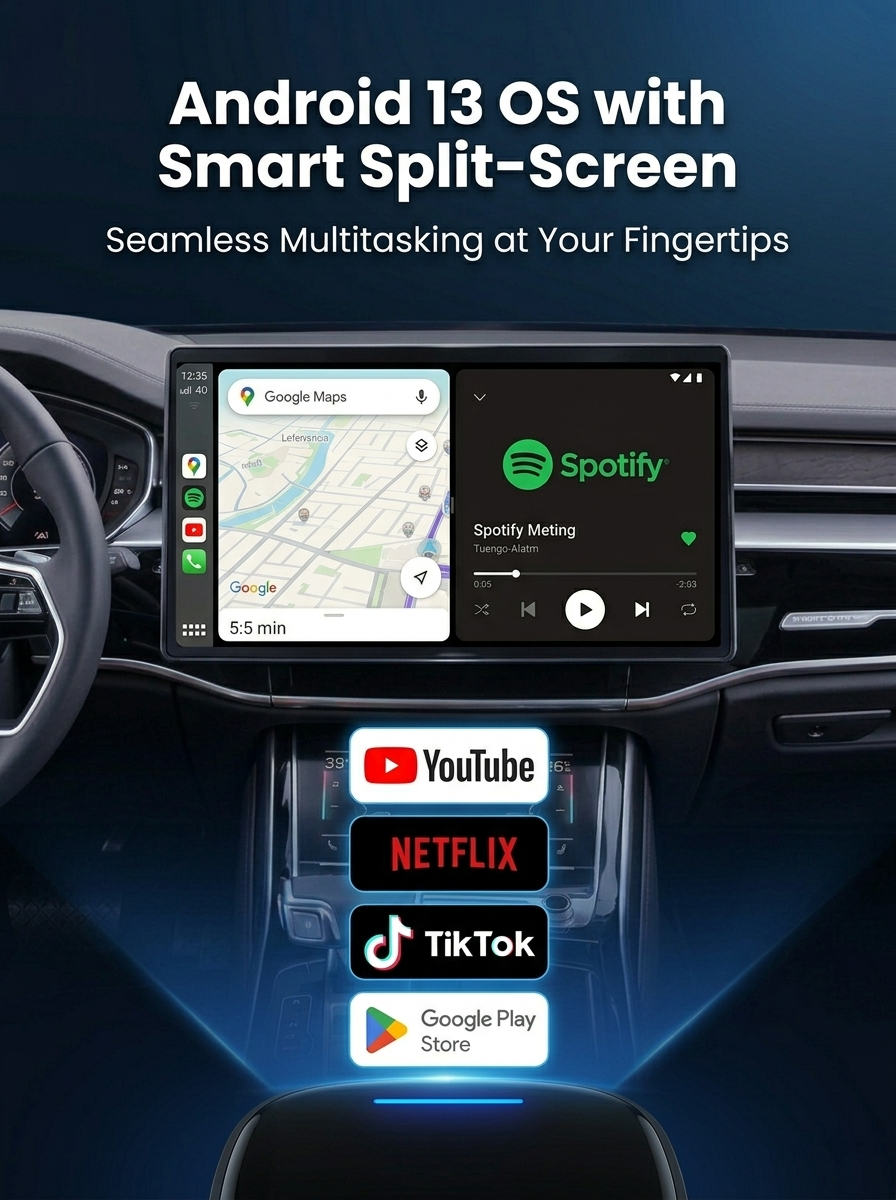
This plug-and-play AI Box unlocks full Android 13 on your factory display — keeping your original MMI controls, CarPlay, and screen completely intact. Connect once via the existing USB port, and your infotainment system transforms into a full smart platform with wireless CarPlay, Android Auto, 4G connectivity, and the entire Google Play Store. No screen swap. No coding. No compromise.

Key Features & Benefits
Frequently Asked Questions
My Audi has CarPlay but I use an Android phone — will this work?
+
Yes. The device only requires your Audi to have factory CarPlay (the protocol is used to activate the box). Once running, it works with both iPhone and Android phones.
Can I connect my phone and the box at the same time?
+
Yes. You can run the box while connecting your phone via Bluetooth for calls, or share your phone’s Wi-Fi hotspot for internet. Wireless Android Auto is also supported simultaneously.
How do I launch Android Auto or CarPlay after booting?
+
After the device boots, go to the software page and select Android Auto or CarPlay. Follow the on-screen prompts to connect your phone and the function will start automatically.
Does it need a separate internet connection?
+
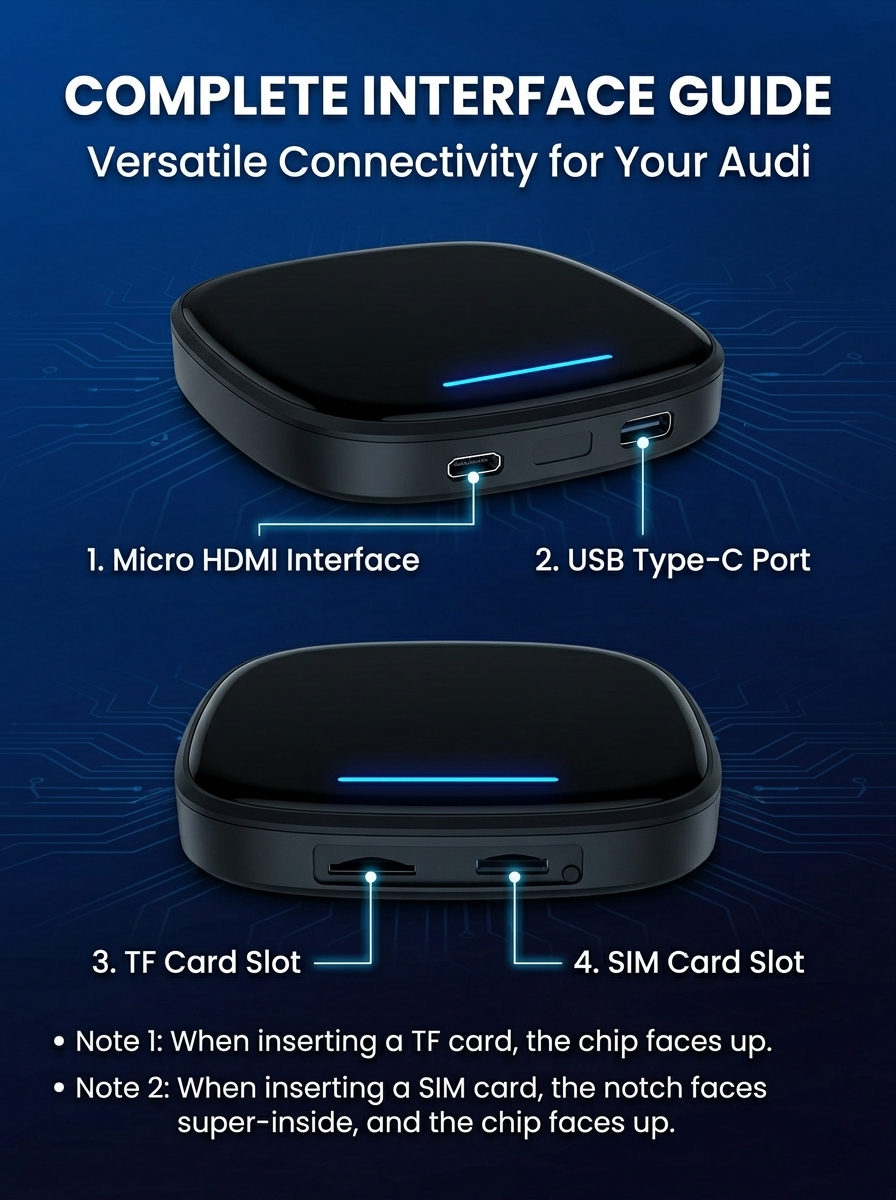
The box supports internet via a 4G SIM card or a Wi-Fi hotspot connection. No phone required once a SIM is inserted.
How much storage does it have? Can I expand it?
+
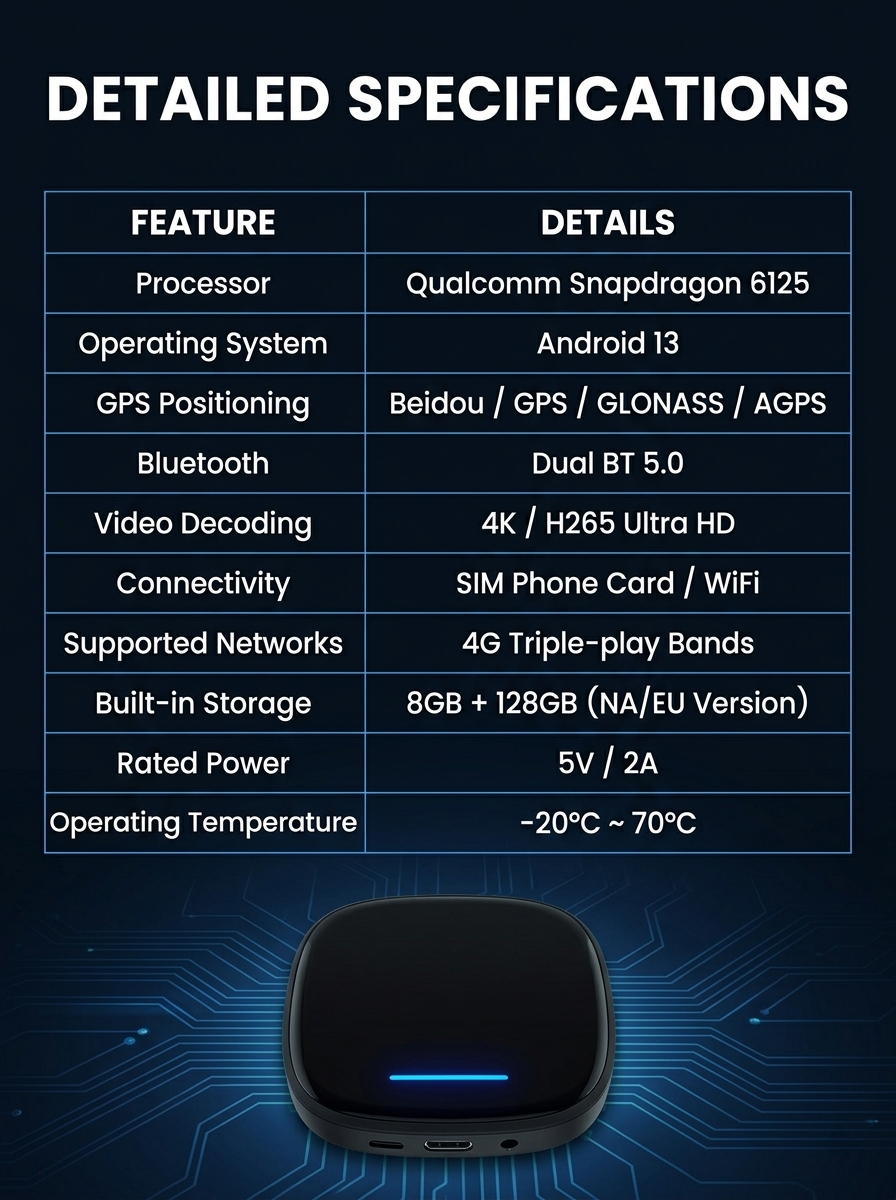
128 GB internal storage, expandable via TF card up to 256 GB.
How do I control the device in the car?
+
Use your vehicle’s OEM touchscreen, MMI controller, or steering wheel buttons — whichever you prefer.
Is it certified?
+
Yes. CE, FCC, and RoHS certified — fully tested and compliant for vehicle use.
I can’t download apps — what should I do?
+
Check internet access (SIM or Wi-Fi) and storage space. Try a different network. If Google Play has issues, install apps via APKPure as an alternative.
My downloaded apps disappeared after a restart — how do I fix this?
+
Go to the device’s engineering mode and turn off the auto-disable option. Your apps will be restored and persist after rebooting.